
PDF Ready

Private PDF prep

Private Android PDF prep for sensitive documents

Sensitive files need more than a smaller file size. PDF Ready lets you prepare passports, certificates, medical documents, bank records, and application PDFs in an Android workflow where PDF contents are processed on-device by default.

Android-first On-device by default Review before clean export
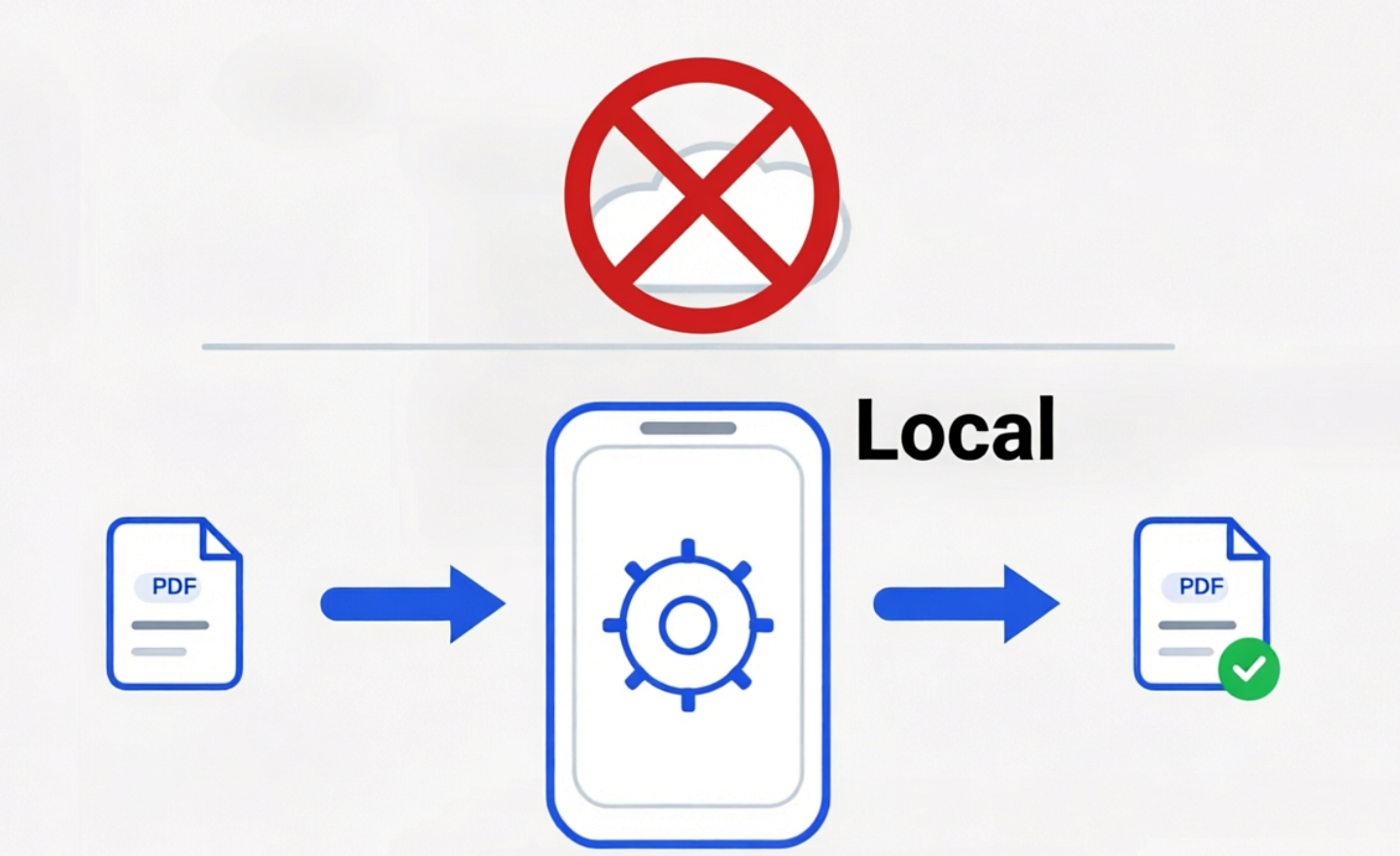
What stays in the Android workflow

  • PDF contents are processed on-device by default and are not uploaded to PDF Ready servers for conversion.
  • The source file stays available in Originals while you prepare and review new versions.
  • You decide when to save, share, or upload the final clean copy to another app or destination.

Where network activity can still exist

  • Google Play handles purchases outside the PDF processing path.
  • Opening Google Play, support links, or external upload destinations uses those external services.
  • Describe the product as on-device by default rather than as an absolute no-network tool.

Private does not mean careless

  • Use the least aggressive target that still satisfies the destination.
  • Zoom into names, account numbers, passport details, stamps, and signatures before clean export.
  • Keep the untouched original until the destination accepts the submitted copy.

Good fits for private prep

  • A bank statement that must be under a portal size limit.
  • A passport or visa file that should not be uploaded to a random web compressor.
  • A certificate or medical document where the final export must stay readable.

Next steps

Related PDF Ready guides

FAQ

Common questions

Are PDF contents uploaded to PDF Ready servers?

No. PDF contents are processed on-device by default and are not uploaded to PDF Ready servers.

Does Google Play receive my PDF?

No. Google Play handles the purchase flow. It does not process your PDF contents for PDF Ready.

What leaves the phone?

Only what you choose to save, share, or upload through another app or destination after reviewing the prepared copy.

Ready on Android

Prepare your PDF before upload

Install PDF Ready, prepare the document, review the result, and export the clean copy only when it is ready.

Install PDF Ready on Google Play

Note: PDF Ready prepares PDFs for upload workflows, but a destination can reject a PDF for reasons beyond file size.