
Privacy and on-device processing
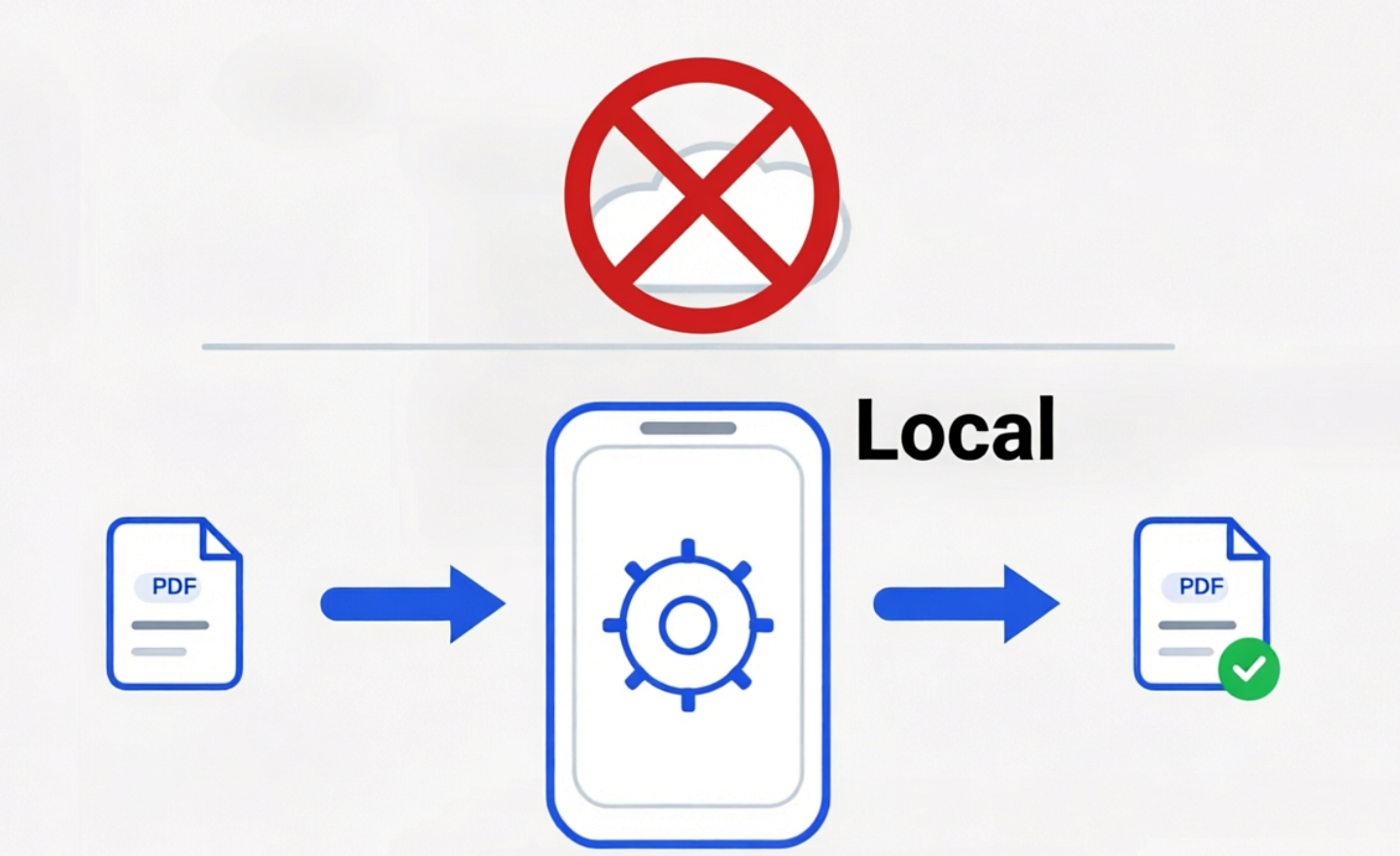
When you select a PDF in the app, that file stays on your phone. PDF Ready processes it locally and saves the result in your device storage. It does not upload the PDF to our servers or to third-party servers to convert, merge, or validate it.
GET THE APP
Want to try PDF Ready?
Install PDF Ready from Google Play and prepare your PDF on your phone.
PDF Ready uses your phone or tablet to prepare the PDF on-device by default, without relying on an external web converter for PDF conversion.
The same local boundary applies when you scan or import, add a handwritten signature or one photo to the current document, review the generated result, and decide whether you want the final clean copy.
PDF Ready does not store your card details or payment method locally. Billing is handled by Google Play.
Key principles
- On-device by default: your PDFs are processed and saved on your device during the main preparation flow.
- No account required for the main flow: you do not need to register to open, prepare, and save PDFs on your device.
- Works offline: the main flow of opening, processing, and saving PDFs runs locally and can still work in airplane mode, as long as the file is already on your device.
- Nothing leaves your device until you share it: external services are only involved when you decide to buy, email, or upload the result yourself.
Why this matters for sensitive documents
Passport scans, bank statements, certificates, letters, and immigration supporting documents often contain more personal data than a random web converter needs to see. PDF Ready is designed so that preparation stays on your own device instead of sending PDF contents to any server.
Quick practical check
If you want to verify the local-processing claim yourself, save a PDF on the device, switch on airplane mode, open that local file in PDF Ready, and generate a new version. That checks the main preparation flow on-device. Purchases and external sharing still depend on connectivity.
What the app processes
Only the PDF documents you choose in the app for opening, checking, merging, viewing, preparing, or saving as a result. Both the file you start from and the result remain in local device storage, so you can use, share, or delete them anytime.
App permissions
- Files/storage: open the PDFs you select and save the result in your local device storage.
Retention & deletion
- Local: temporary working files are cleaned automatically. Exported PDFs stay on your device until you delete them.
Contact
Support: [email protected]
Related trust guide: Prepare sensitive PDFs without uploading them.
Last updated: Apr 21, 2026