In the app
Open the size target selector
During preparation you can choose recommended cases, quick picks like 300 KB, 500 KB, 1 MB, 2 MB, 4 MB, or 12 MB, and exact sizes when the destination gives a specific limit. Review the result before export.
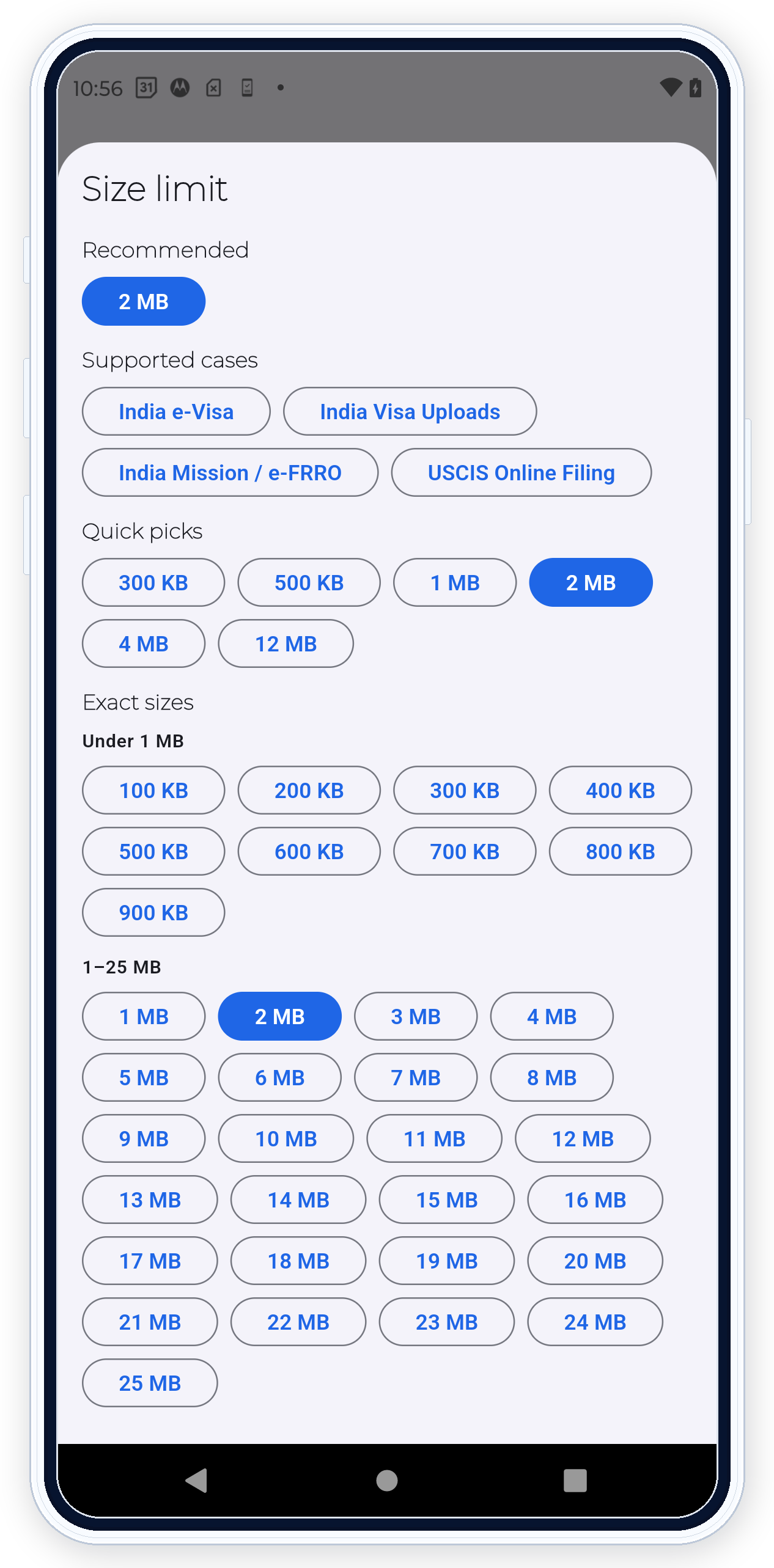

PDF Ready helps you prepare toward exact size targets where available, such as 300 KB, 500 KB, 1 MB, 2 MB, 4 MB, or 12 MB. Use the limit shown by the actual upload workflow and review readability before export.
In the app
During preparation you can choose recommended cases, quick picks like 300 KB, 500 KB, 1 MB, 2 MB, 4 MB, or 12 MB, and exact sizes when the destination gives a specific limit. Review the result before export.
What this helps with
Use exact size targets when the upload form, reviewer, or instructions give a file size limit. The target gives PDF Ready a clear size goal for preparing the output.
Workflow
Start from the source file, choose the target size, prepare the result, and review the generated copy. If the file is hard to read, choose a more realistic target when the workflow allows it.
Review
Check readability, page count, warnings, and final file size. Use GENERAL, CEAC, or IRCC in the app when those cases match the destination you are preparing for.
Requirement handling
PDF Ready prepares around known checks such as size, pages, readability, restrictions, active content, and options such as OCR or PDF/A-2b when requested. If the portal shows an error the app can help resolve, you can adjust and generate another clean copy.
Boundary
Do not assume one size is right for every destination. Use the limit shown by the actual upload workflow. The final decision belongs to the destination portal.
Related features
Use Review before export after preparing. Use OCR or PDF/A-2b only when needed. More context: exact PDF size targets and choosing the right target size.