Requirement handling
How PDF Ready handles OCR-related requirements
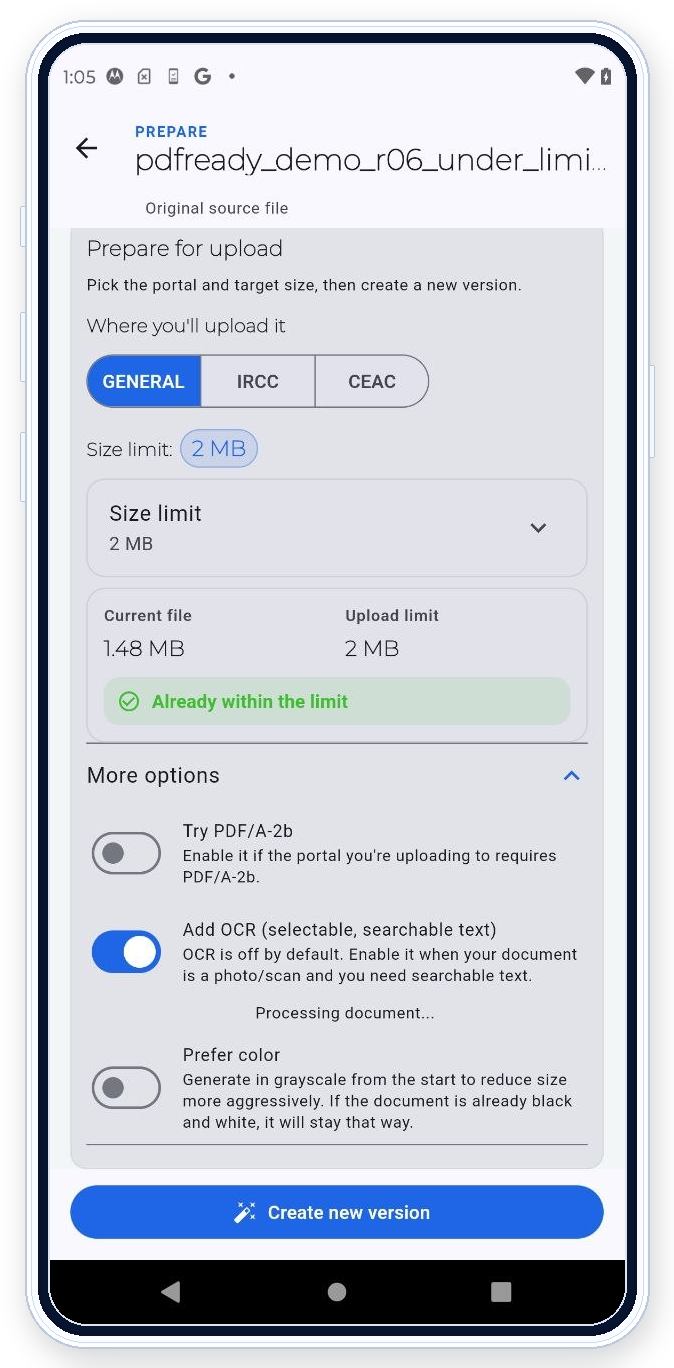
PDF Ready prepares the PDF around checks it can apply, such as scanned-page handling, file size, readability, restrictions, and OCR when the destination asks for text searchability. If the portal returns an error that the app can help resolve, you can adjust the file and generate another clean copy.
Practical limit
Use OCR only when it solves the real problem
Do not add OCR just to change a PDF that already works. Use it when a scan needs searchable or selectable text, then check that the text, readability, and file size still match what the destination asks for.