App availability
Current app availability
See current app availability on the Availability page.

Prepare an upload-ready copy when a portal forces a strict 2 MB or 4 MB limit, especially in cases like IRCC and CEAC. Choose a portal profile when you know the destination, or choose a safer target size when you do not. Everything stays on your device, without uploading PDF contents to PDF Ready servers.
Quick links: Choose target size, IRCC, CEAC, Privacy.
App availability
See current app availability on the Availability page.
What PDF Ready helps with
Portal profiles
Guides
English
Use the English home, guide hub and portal pages as the main public path for upload limits, target sizes and portal-specific cases.
Español
Usa la home, el índice de guías y los perfiles en español para trabajar con tamaños objetivo, límites de subida y casos concretos de portal.
Free to check
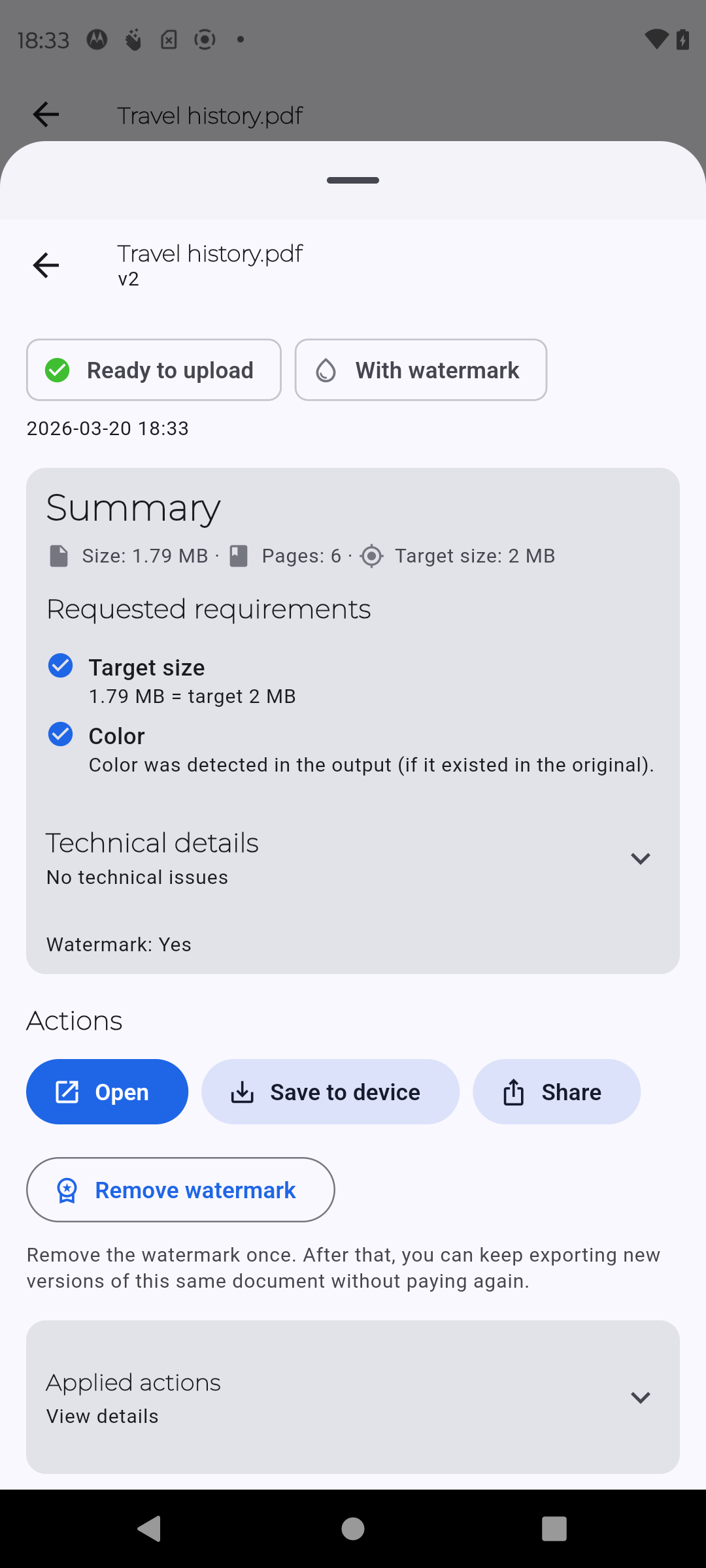
You can review size, compatibility and readability before paying. Paid options only apply when you need the final watermark-free copy; the app does not need a server-side conversion workflow.
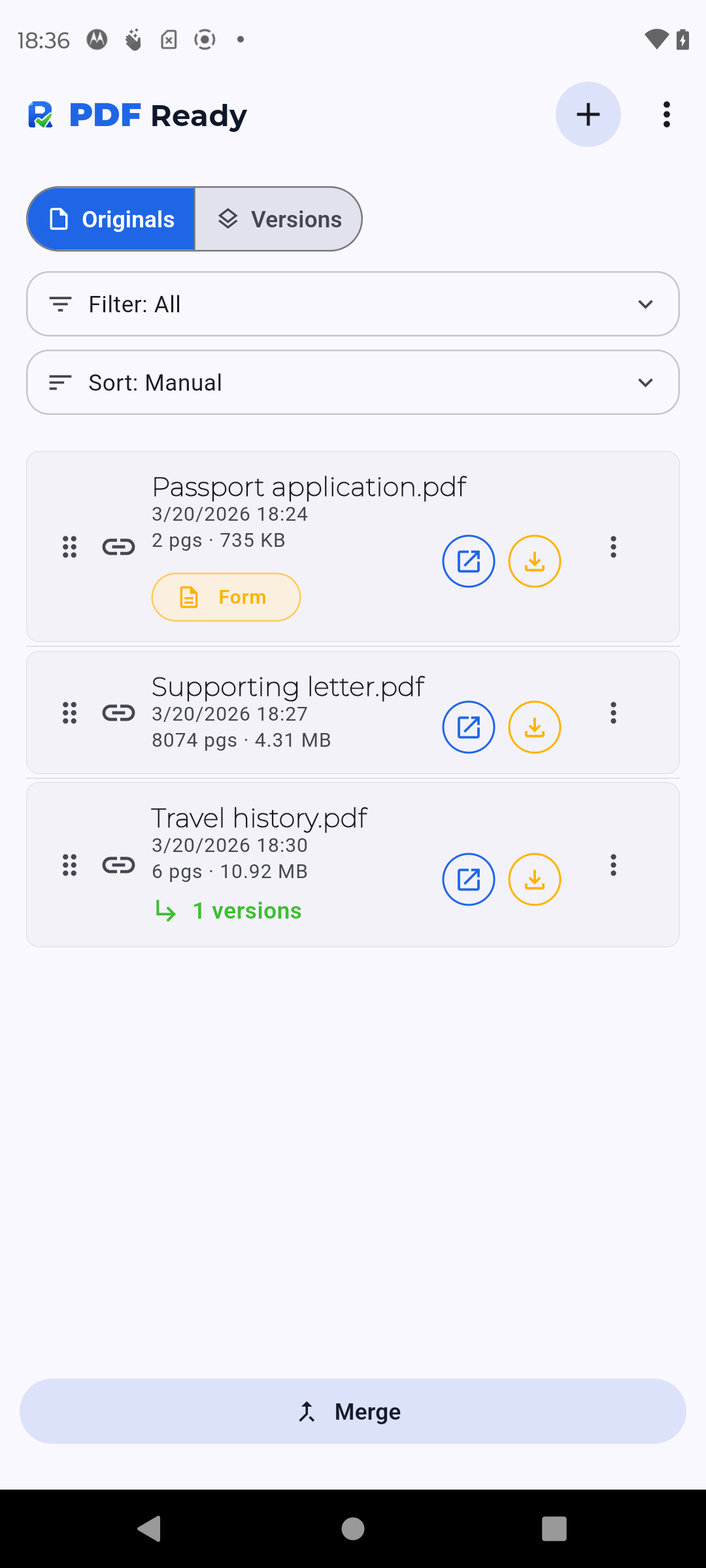
Real product views
Current screenshots shown on Android.
Disclaimer: PDF Ready is not affiliated with any government agency.
Disclaimer: We do not guarantee acceptance. Requirements may change over time.