
Privacy and on-device processing
When you select a PDF in the app, that file stays on your phone. PDF Ready processes it locally and saves the result in your device storage. It does not upload the PDF to our servers or to third-party servers to convert, merge, or validate it.
PDF Ready uses your phone or tablet to prepare the PDF directly on-device, without relying on an external web converter.
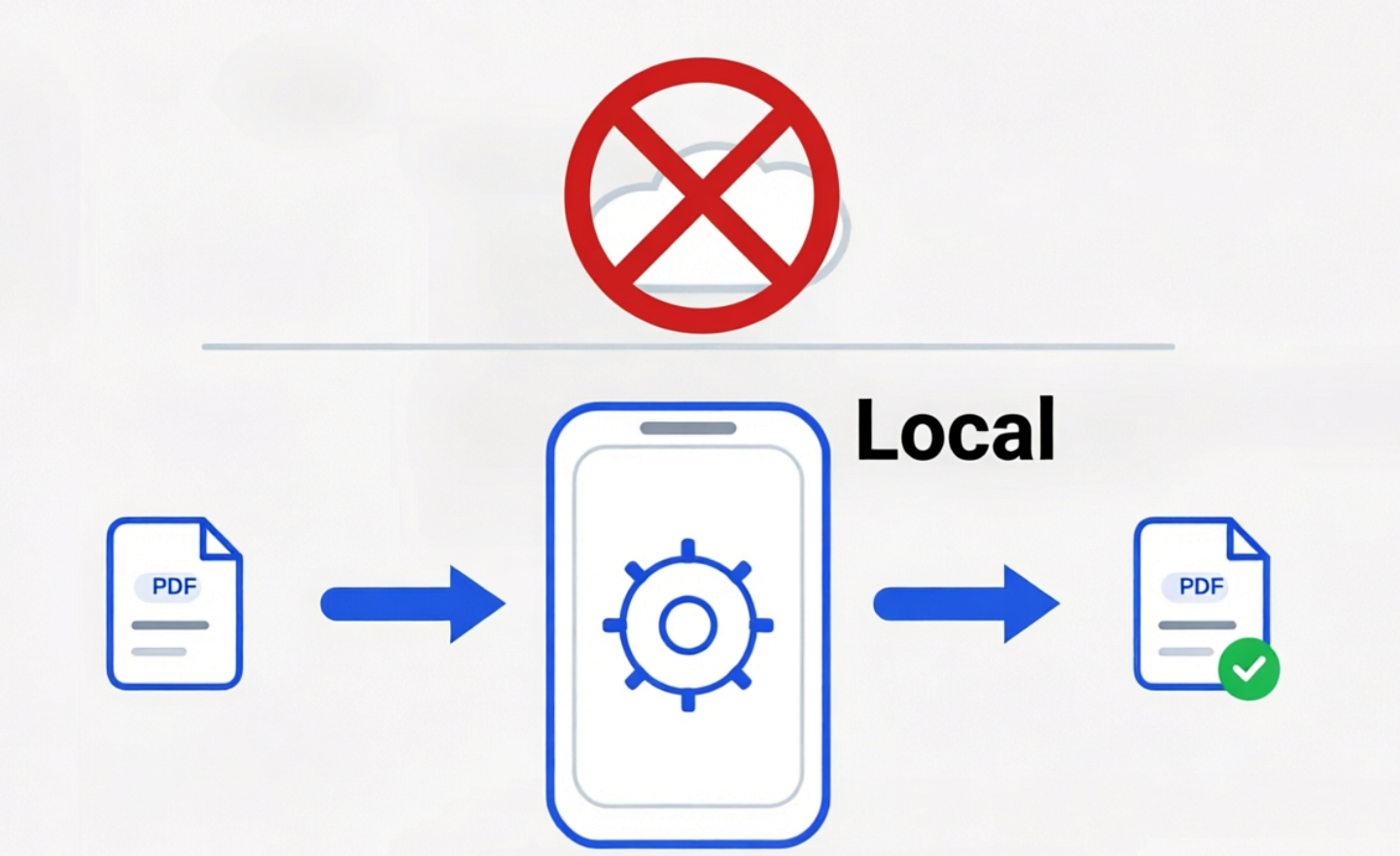
Key principles
- On-device at all times: your PDFs are processed and saved on your device.
- No accounts and no tracking: we don't require registration and we don't use tracking.
- Works offline: the main flow of opening, processing, and saving PDFs runs locally and can still work in airplane mode, as long as the file is already on your device.
Why this matters for sensitive documents
Passport scans, bank statements, certificates, letters, and immigration supporting documents often contain more personal data than a random web converter needs to see. PDF Ready is designed so that preparation stays on your own device instead of sending PDF contents to PDF Ready servers.
Quick practical check
If you want to verify the local-processing claim yourself, save a PDF on the device, switch on airplane mode, open that local file in PDF Ready, and generate a new version. That checks the main preparation flow on-device. Purchases and external sharing still depend on connectivity.
What the app processes
Only the PDF documents you choose in the app for precheck, merging, viewing, and required processing. Both the original file and the result remain in local device storage, so you can use, share, or delete them anytime.
App permissions
- Files/storage: open the PDFs you select and save the result in your local device storage.
Retention & deletion
- Local: temporary working files are cleaned automatically. Exported PDFs stay on your device until you delete them.
Contact
Email: [email protected]
Related trust guide: Prepare sensitive PDFs without uploading them.
Last updated: Mar 23, 2026